Wire the Pi to the BFoxCon (J2)
The BFoxCon's radio side is wired at the factory. The Pi connects at the BFoxCon's J2 serial header — four pins. Drag each J2 pin to the right pin on the Raspberry Pi's 40-pin GPIO header. Pinouts are to spec (J2 from the manual; the Pi header is standard 40-pin).
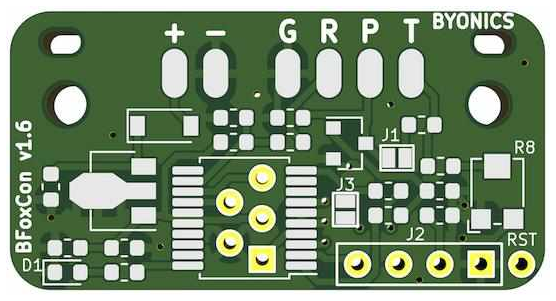
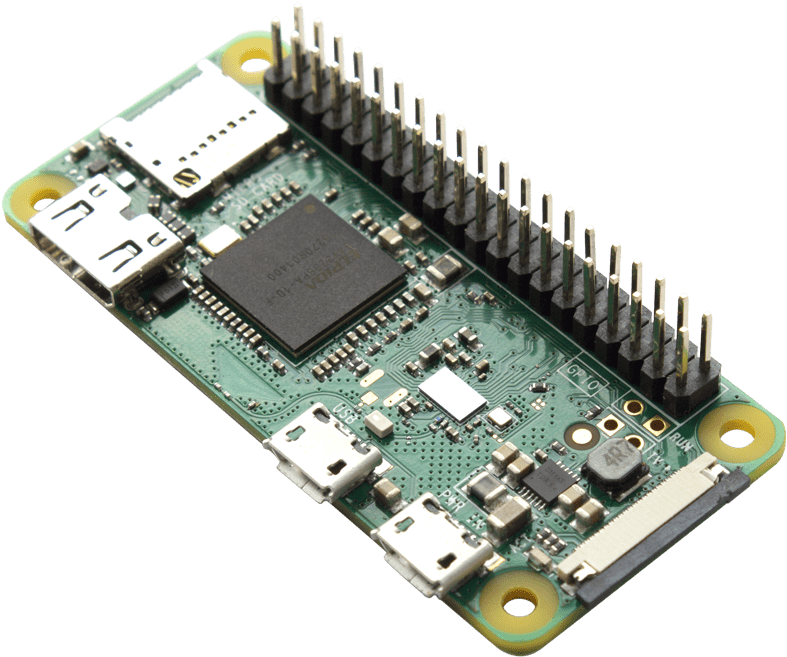
J2: 1 GND (square) · 2 Serial In · 3 +3–5 V · 4 Serial Out (Byonics BFoxCon manual v0.4). Crossover: J2 Serial-In ← Pi TX; J2 Serial-Out → Pi RX.