
LFM Reader
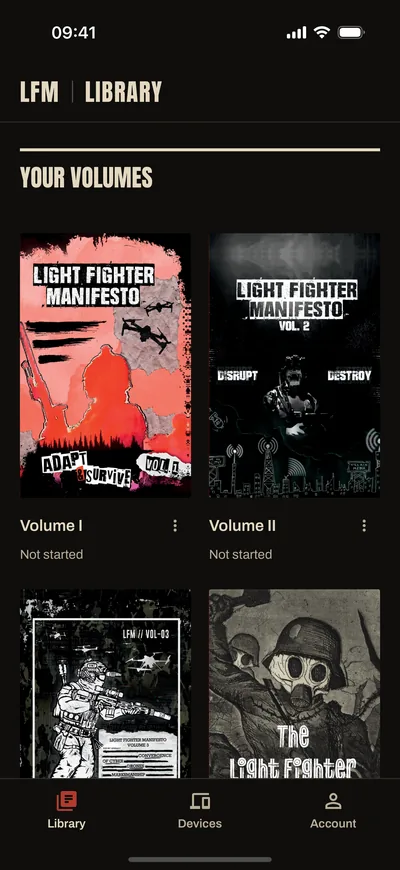
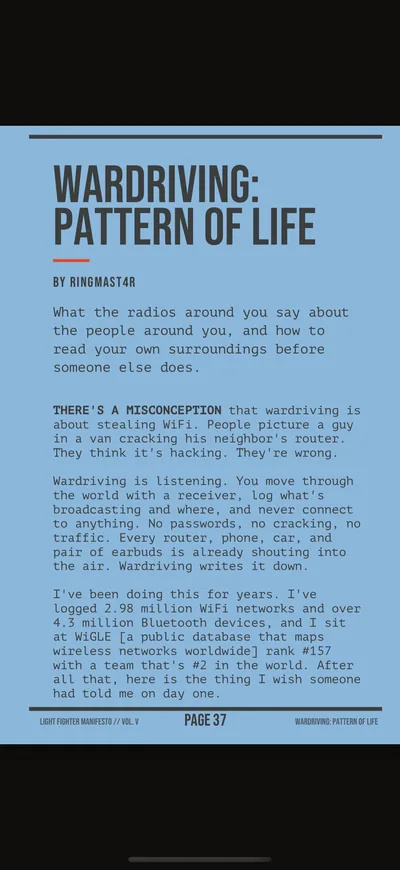
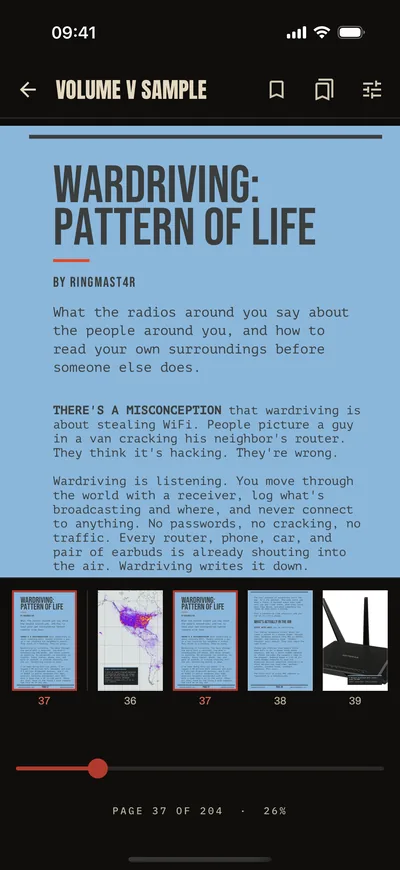
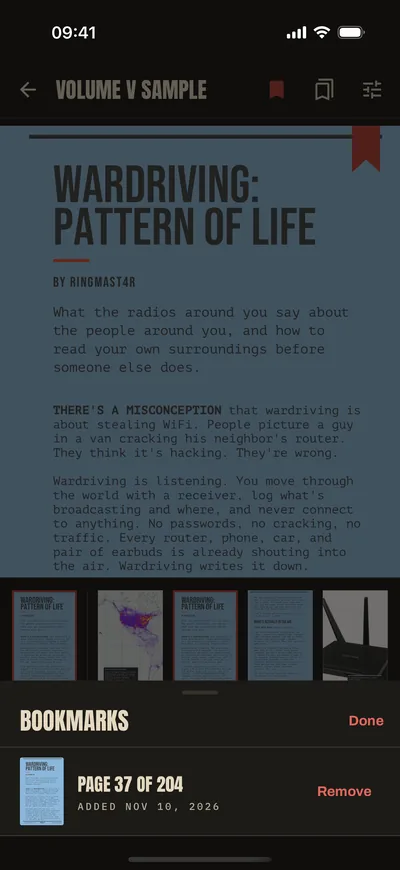
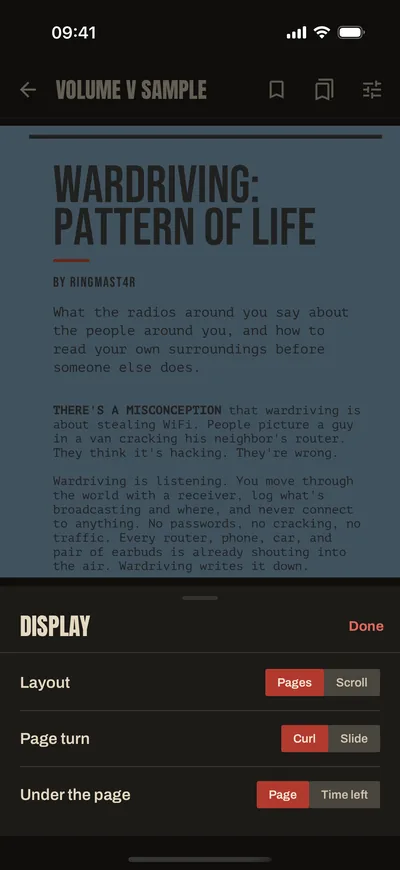
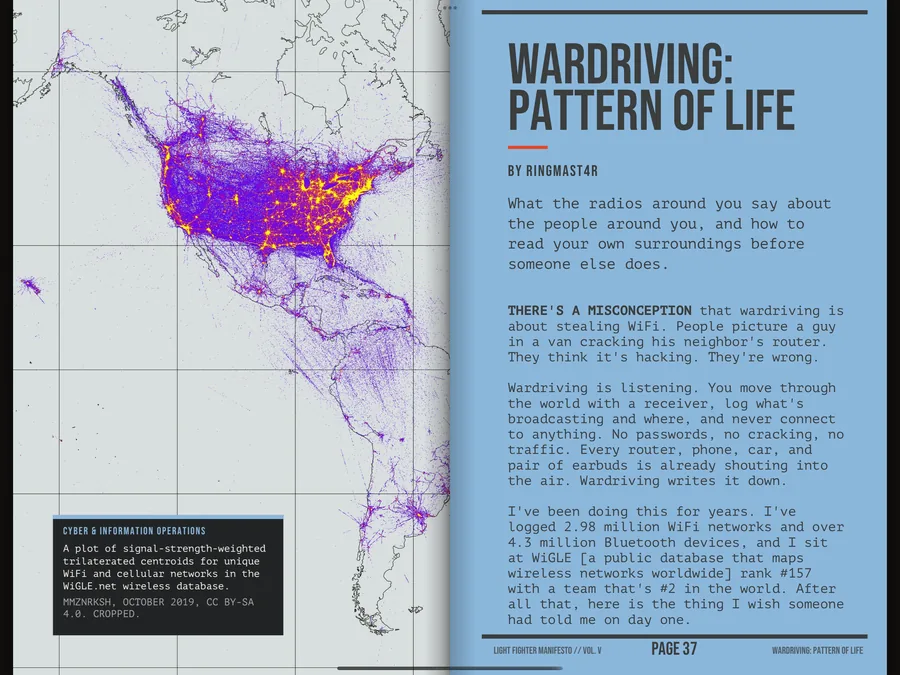
LFM Reader is the free app that opens the Digital edition of the Volumes. Each Volume is every page of the print edition, covers included, on your phone or tablet. One purchase opens on up to 3 of your devices.
You buy Volumes on this site. The app sells nothing.
In the app
Where to get it
The App Store, Google Play, F-Droid and the direct download are open now. Install LFM Reader from these four places only.
Add the F-Droid repository
On a phone with F-Droid installed, add the repository in one tap. To add it by hand, open Repositories in the F-Droid app and enter this address.
Addresshttps://lightfightermanifesto.org/fdroid/repo
Fingerprint (SHA-256)D2F9D0B27C1C3E7C4B28BB712FA77C45043ED9A231D53DEC30BEA91B0AB35F09
F-Droid installs the app and updates it from there.
Check and install the APK
Version · MB
SHA-256
Before you install, compare that checksum with the file you downloaded. On a Mac, run shasum -a 256 lfm-reader.apk. On Linux, run sha256sum lfm-reader.apk. On Windows, run certutil -hashfile lfm-reader.apk SHA256. If the two do not match, delete the file. Download it again.
- Tap Download the APK on your phone or tablet.
- Open the downloaded file. Android asks you to allow installs from your browser. Turn on “Allow app installs” for the browser. Then go back.
- Tap Install.
- Google Play Protect may say “Play Protect hasn’t seen this app before.” It may offer to scan it.
The app checks for updates when you open its Account screen. It asks before it installs one.
The Android copies from this site, F-Droid and Google Play are signed with the same key.
After you buy
- Install LFM Reader.
- Open Account and enter the email address you used at checkout. We email you a code. Enter it.
- Open Library and tap Download on one Volume. Let it finish before you start the next. If a download stops, wait a minute and tap Download again.
A downloaded Volume works without an internet connection. One purchase works on 3 devices. To add another, open Devices in the app and remove one first.
Phones and tablets it works on
LFM Reader works on an iPhone or iPad. It works on an Android phone or tablet that came with Android 8 or newer and still runs the system it came with. It also works on a Pixel that runs GrapheneOS.
It does not work on a rooted phone, a phone with an unlocked bootloader, or another custom system. The app tells you before you download a Volume. Your purchase stays on your account.
Why some phones do not work
- LFM Reader checks that your device keeps its keys in secure hardware before it opens a Volume.
- On Android, that check needs the system the device came with, with its bootloader locked, or GrapheneOS on a Pixel that GrapheneOS supports.
- On iPhone and iPad, the key lives in the Secure Enclave, and Apple’s App Attest vouches for the app.